Every tool you use,one prompt away.

Tell RANKER what needs to happen. It coordinates the rest and asks before it changes anything.
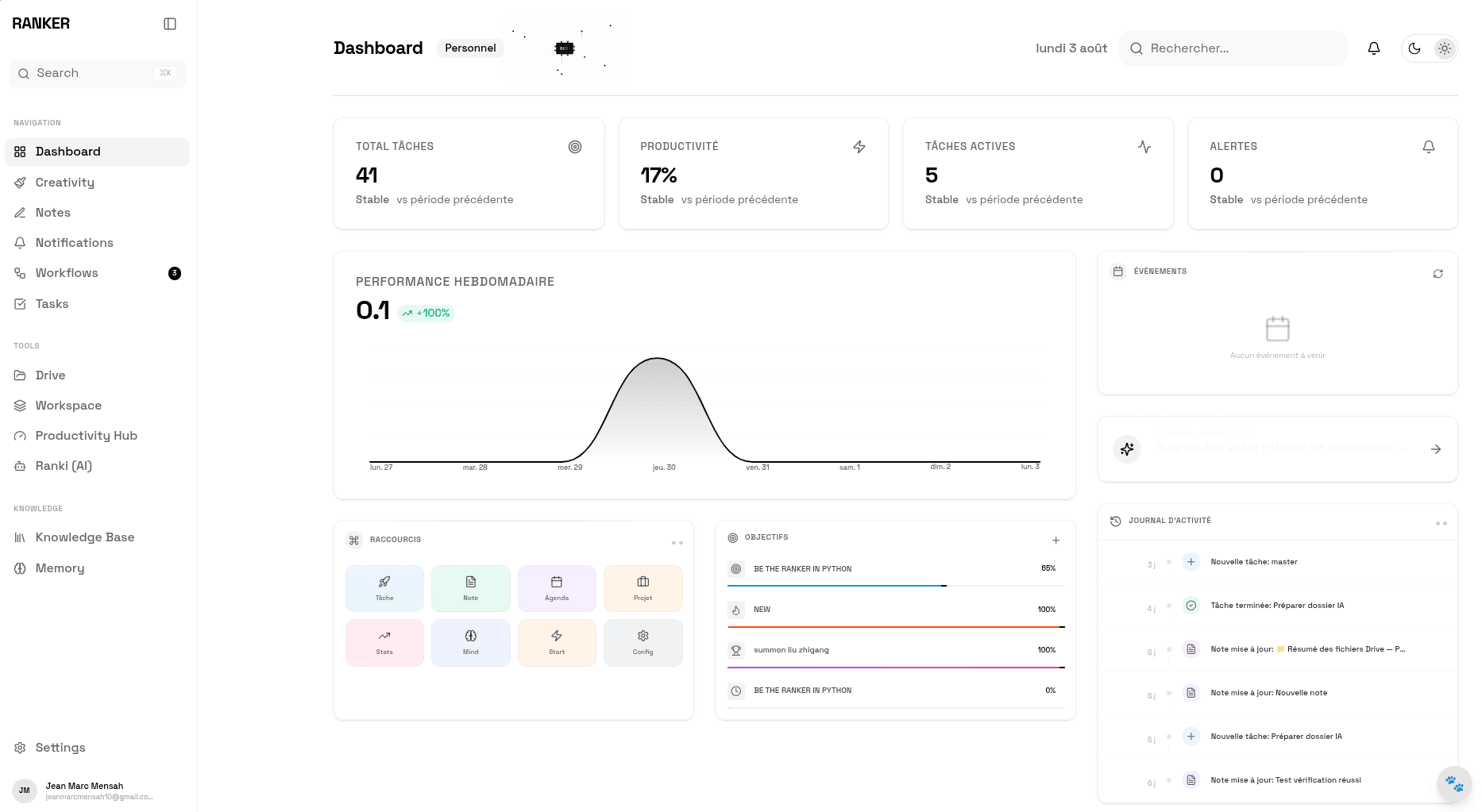
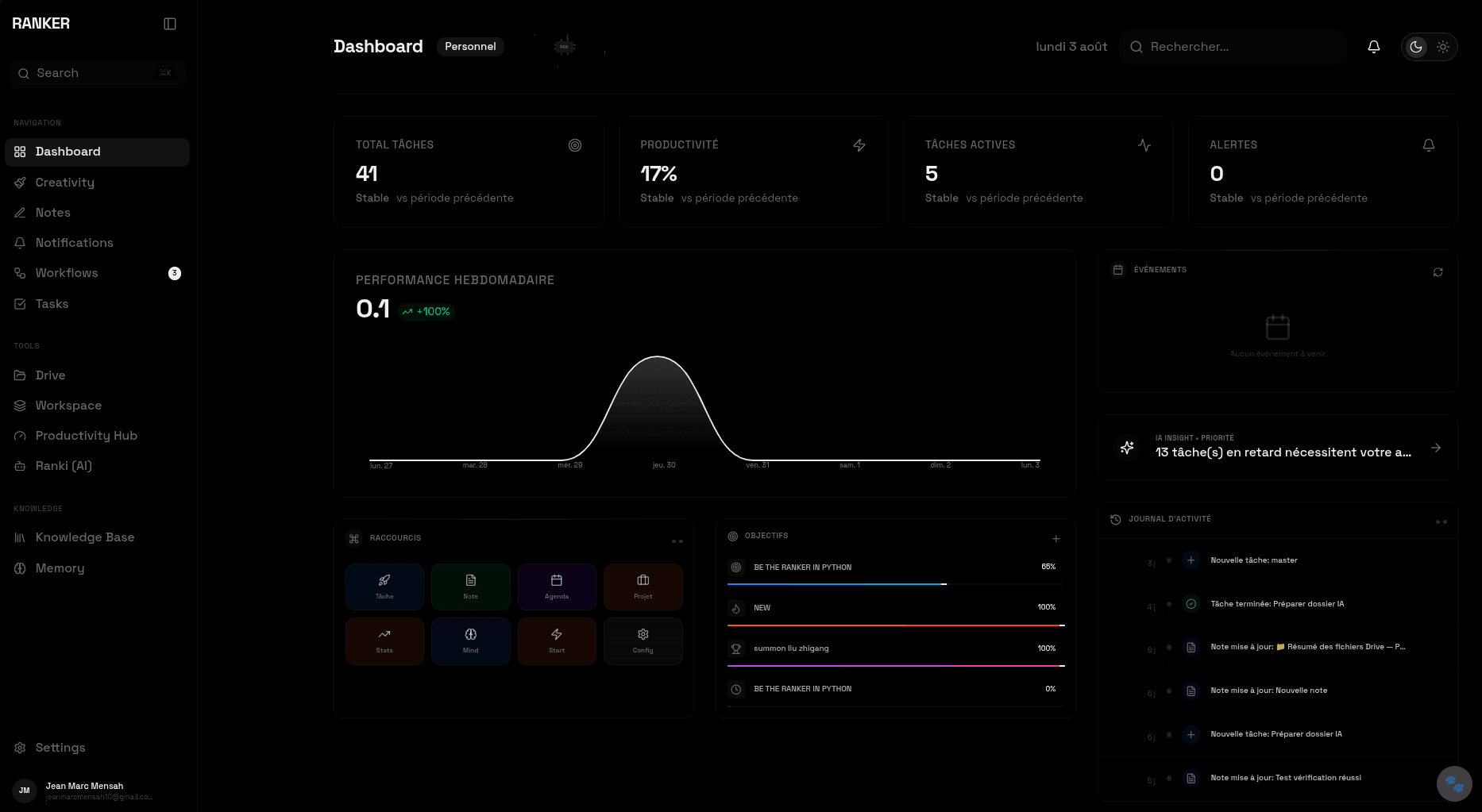
The Ranker dashboard

Ranker reads and writes in the tools already open in your other tabs.

  • Google Drive
  • Google Calendar
  • Google Docs
  • Google Sheets
  • Google Keep
  • Google Tasks
  • Google Contacts
  • Google Translate
  • Slack
  • Notion
  • Linear
  • Jira
  • Figma
  • Trello
  • ClickUp
  • Todoist
  • Discord
  • Telegram

One request goes in.The right agents pick it up.

A planner splits your request into steps and hands each one to the agent that owns that domain.

  • TaskAgent13
  • GoalAgent10
  • NoteAgent17
  • CalendarAgent9
  • ProjectAgent15
  • AlertAgent10
  • DashboardAgent4
  • SettingsAgent12
  • ProductivityAgent11
  • CreativityAgent18
  • WhiteboardAgent8
  • DriveAgent11
  • DocsAgent6
  • SheetsAgent7
  • ContactsAgent7
  • TranslateAgent4
  • NotionAgent9
  • SlackAgent6
  • DiscordAgent5
  • TelegramAgent4
  • LinearAgent9
  • TrelloAgent9
  • ClickUpAgent9
  • TodoistAgent8
  • JiraAgent8
  • FigmaAgent6
  • SocialsAgent7
  • KnowledgeAgent11
  • MemoryAgent7
  • SearchAgent5
  • VoiceAgent2
  • BrowserAgent23
  • CommAgent8
agents on call
0
tools they can reach
0
destructive calls without your approval
0

Built likeinfrastructure,not a chatbot.

An orchestrator with gates, a stream you can read, and a memory that outlives the session.

Nothing changes without your word.

Destructive calls are gated. The run pauses on a confirmation event and waits, so nothing gets deleted, disconnected or archived behind your back.

  • delete_*
  • disconnect_*
  • archive_*

You see the run, not a spinner.

Every step streams back while it happens, including the moment it stops to ask you something.

  • progress
  • token
  • needs_confirmation
  • done

It remembers, and it extends itself.

Ask for something it cannot do yet and Ranker writes the skill: schema, executor, safety check, version. What it learns about you persists across runs.

  • fact
  • preference
  • conversation_summary
  • skill_knowledge
  • episodic

From emptyto shared.

Four steps between a new workspace and a team working inside it.
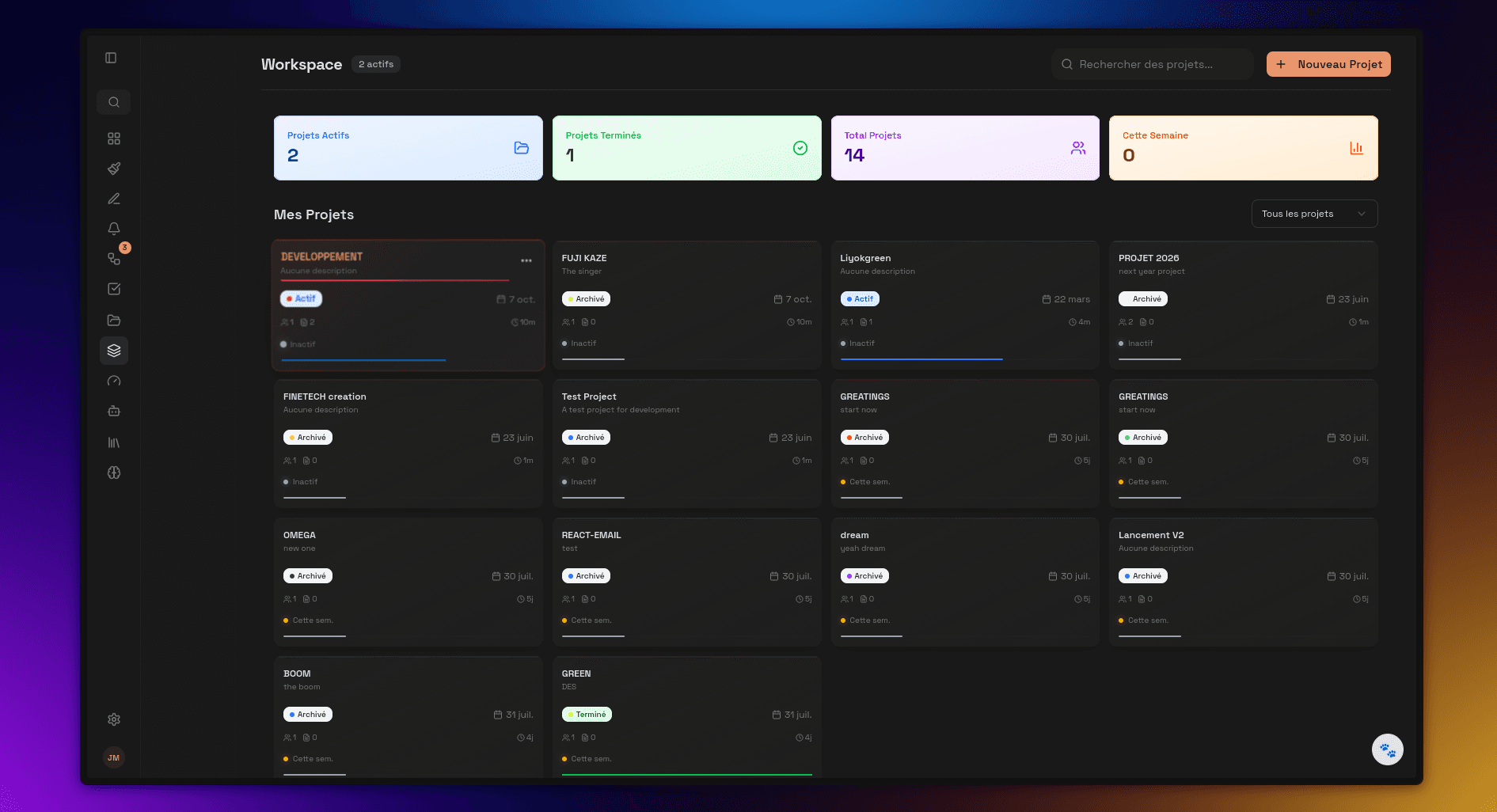
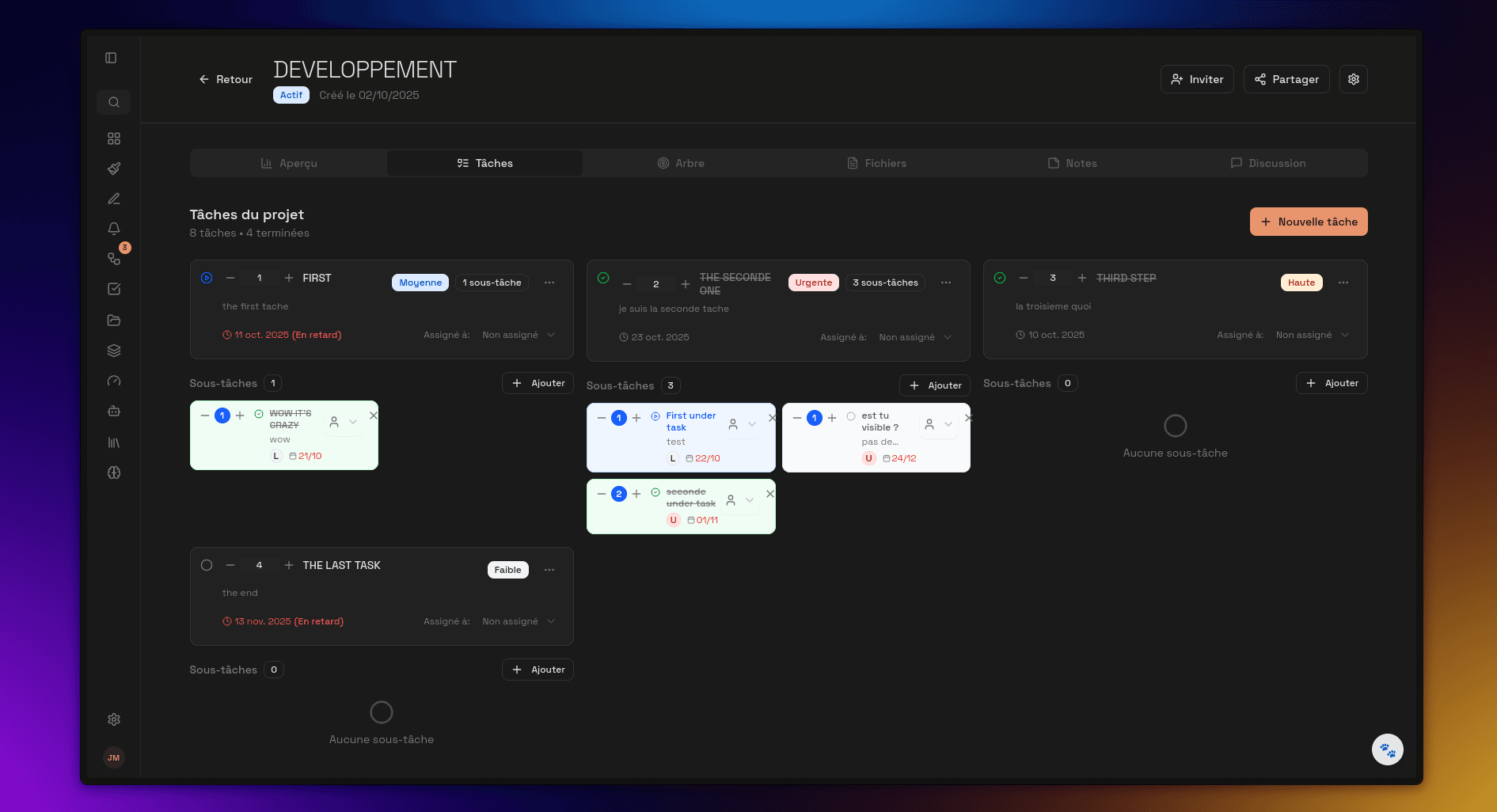
Creating a Ranker workspace

Create

A name is the whole setup.

  • A name and an optional description
  • Live the moment you confirm
  • You own it
Configuring tasks and notes inside a workspace

Configure

Tasks, notes and files land inside it.
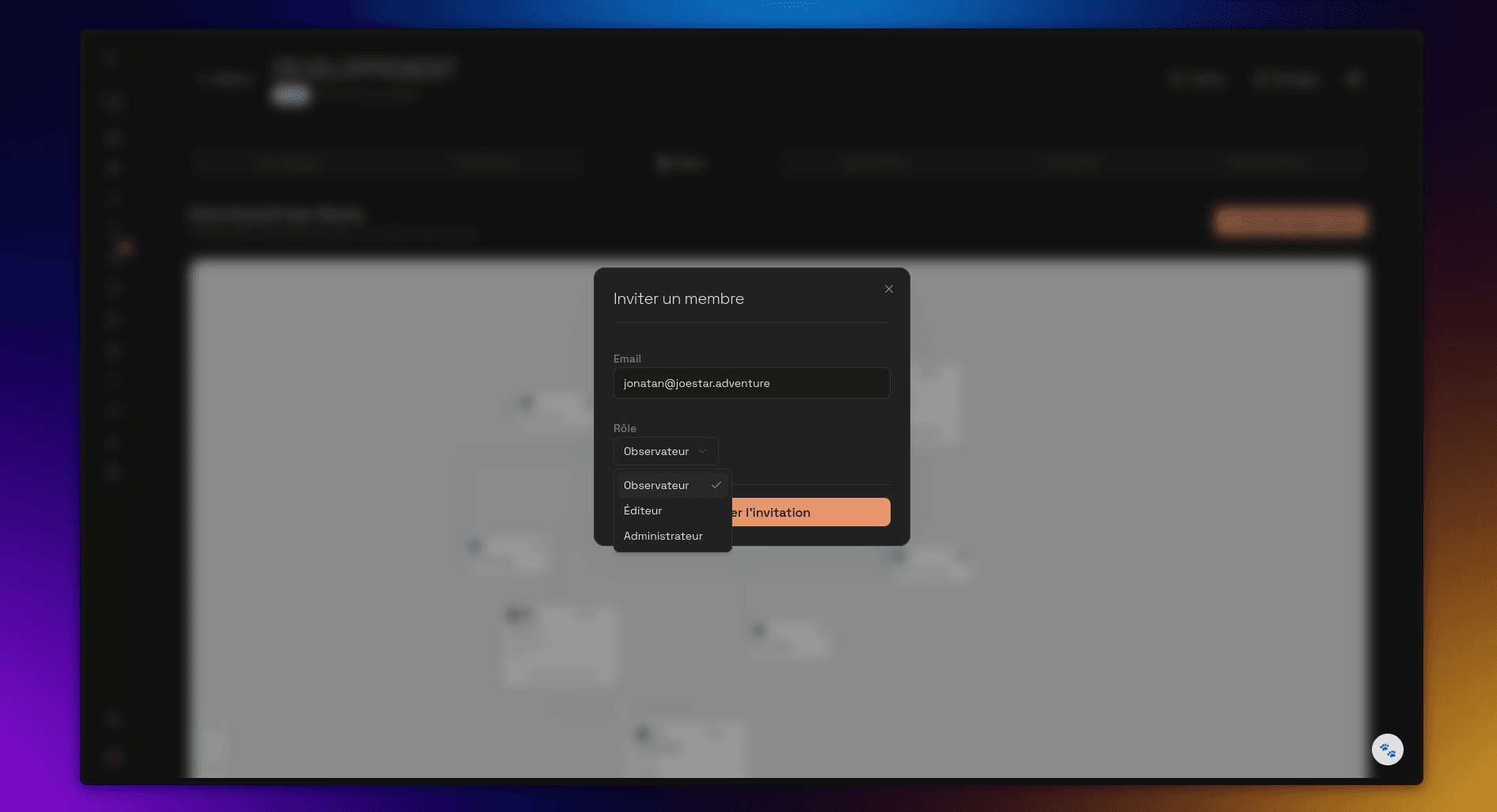
  • Tasks with priorities and deadlines
  • Notes, mindmaps and files attached
  • Resources linked straight from Drive
Inviting teammates to a workspace

Invite

Roles decide what each person can touch.
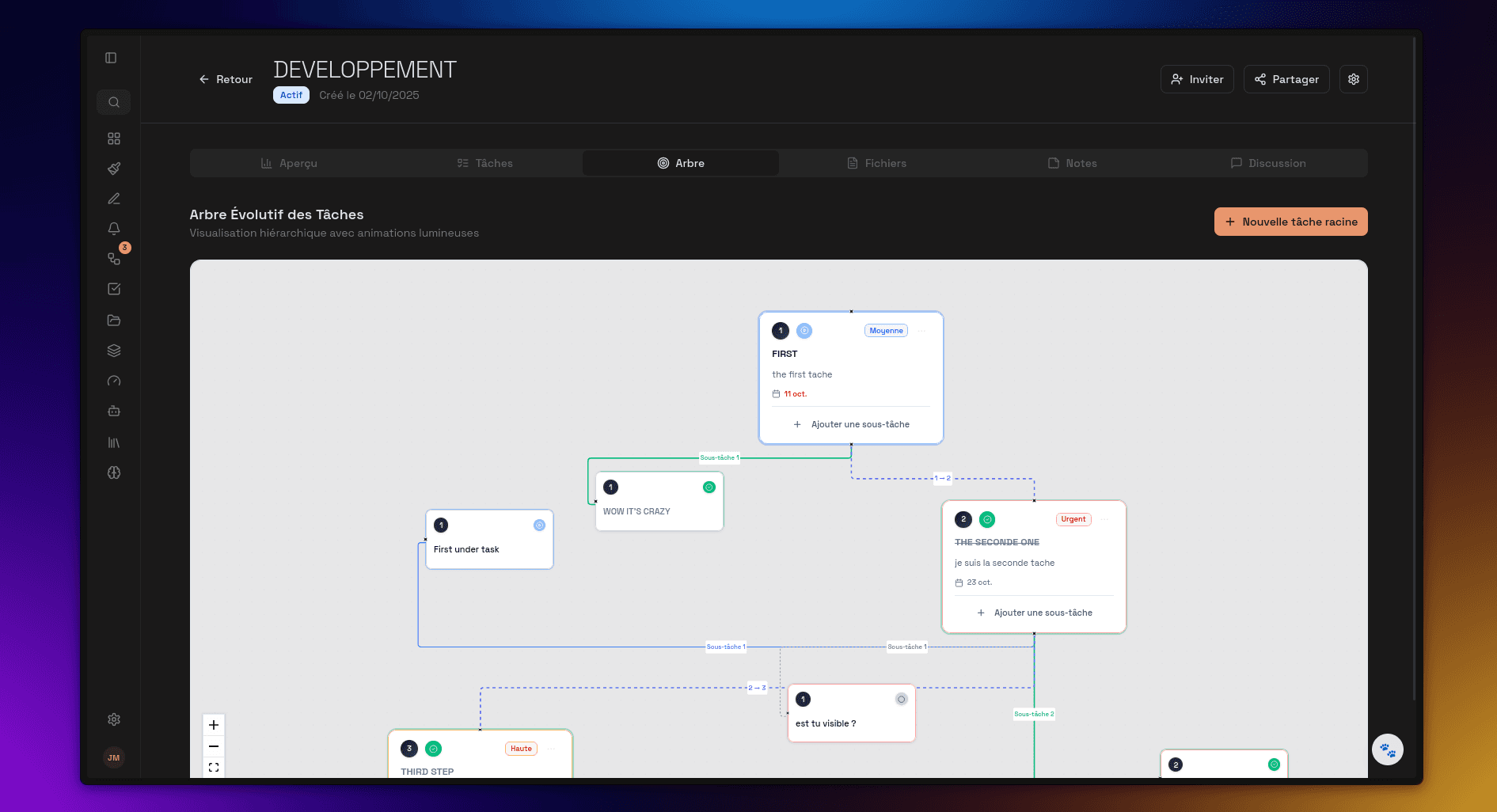
  • Email invitations carry a role
  • Owner, admin, editor or viewer
  • Members accept or decline
Teammates collaborating in a Ranker workspace

Collaborate

Chat, files and the task tree, shared.

  • Real time chat with mentions
  • Files shared locally or through Drive
  • Progress tracked on the task tree

The rest of the daylives here too.

Notes, calendar, files and the creative half of the work, sitting on the same spine as your tasks.
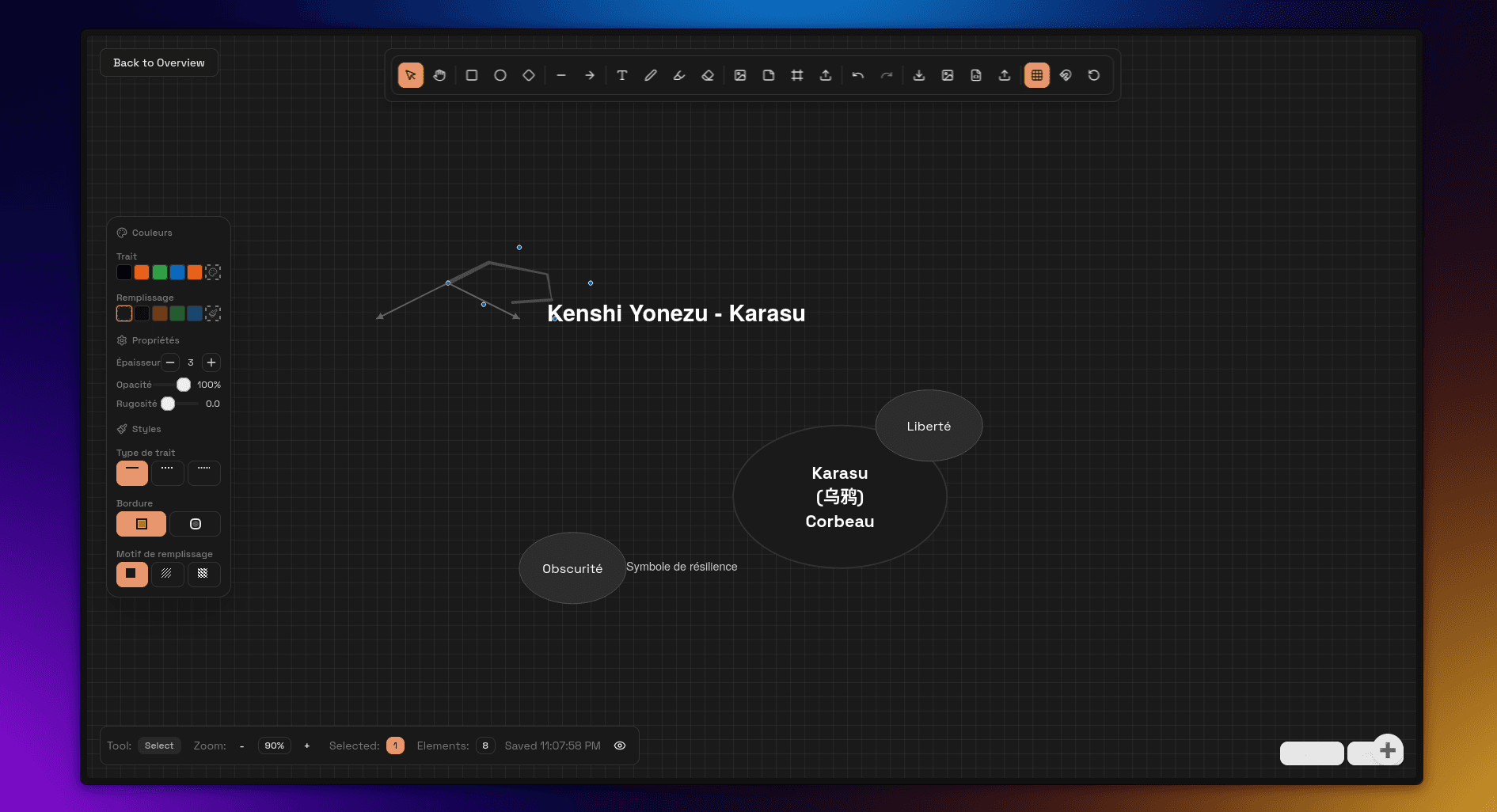
The Ranker creativity workspace

Creativity

Whiteboard, inspiration board and creative challenges, one click from the work they feed.

Notes

Rich notes, journals and mindmaps, tied to the tasks they came from.

Calendar

Google Calendar both ways, so deadlines show up where you already look.
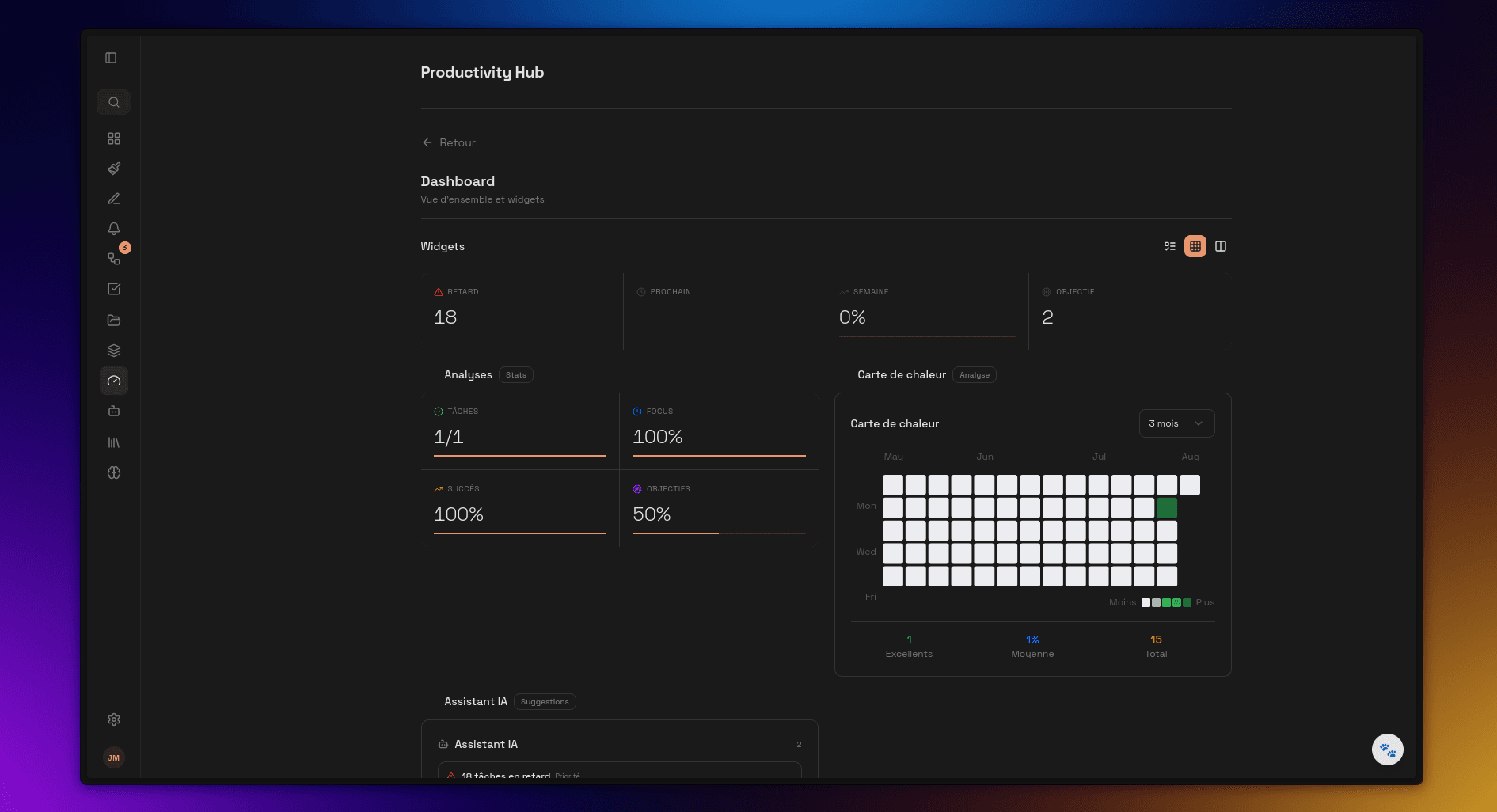
The Ranker productivity hub

Productivity hub

Dashboard, timeline and goals, reading from the same tasks rather than a second copy of them.

Drive

Files attached to tasks and workspaces, with tokens refreshed for you.

Alerts

Scheduled reminders and push notifications, so a deadline finds you first.

Close theother tabs.

Ranker is free to start and takes about two minutes to set up.

No credit card. Free tier included.